

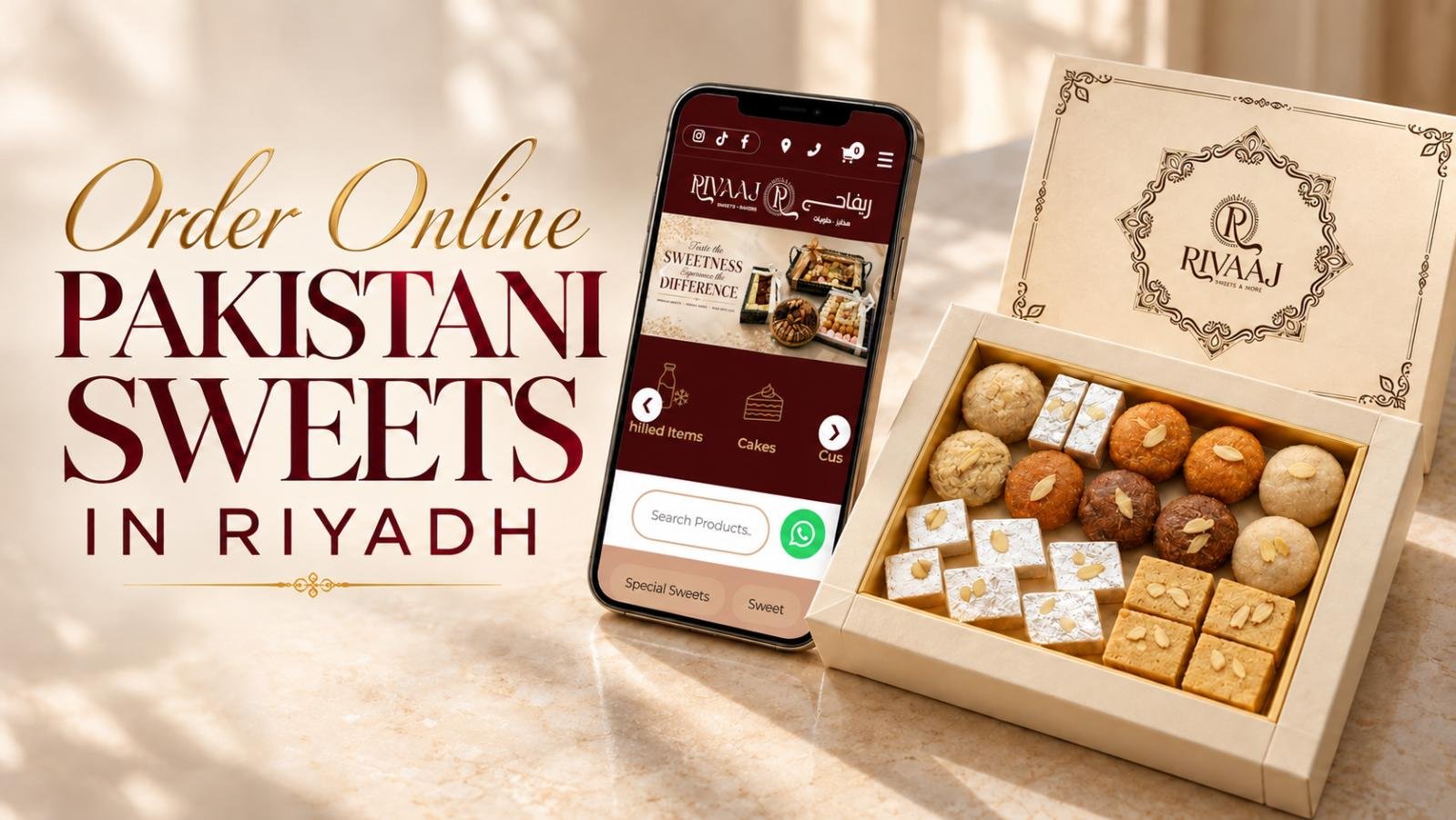
How to Order Pakistani Sweets Online in Riyadh
For Pakistani sweets delivery Riyadh residents can arrange online, RIVAAJ lists Keeta and HungerStation as ordering channels. Enter the delivery address first to see whether the shop is available for that destination. For gift boxes, larger quantities or a specific event, contact the team through WhatsApp to discuss the details.
The rest of the order depends on a few choices: which sweets are available, how much each pack contains, what packaging you need and when someone can receive it. Checking these before payment helps you avoid ordering the wrong quantity or sending a box to an old saved address.
A family dessert order may be straightforward to place through an app. Ten separately packed gifts need a more detailed conversation. Start with the route that suits your order, then use the steps below to get the practical details right.
Quick Answer: How Do You Order Mithai Online?
Open Keeta or HungerStation, enter your Riyadh delivery address and search for RIVAAJ. If ordering is available, choose your sweets and pack sizes, review the total and arrival estimate, then confirm. For customised boxes or bulk requirements, enquire through WhatsApp and agree on availability, payment and delivery or collection before booking.
Pakistani Sweets Delivery Riyadh: App or WhatsApp?
Choose your ordering channel according to what needs arranging. A ready-listed product and a customised order do not require the same process.
| Ordering route | Suitable starting point for | Your next step |
| Keeta | An order from the available app menu | Set your address and check the RIVAAJ listing |
| HungerStation | Sweets ordered through its merchant menu | Review current items, pack options and charges |
| Gift boxes, bulk quantities and event enquiries | Share your requirements and request confirmation |
You can browse RIVAAJ’s website to see its sweets collection before deciding what you would like. Use the menu in your chosen ordering channel to confirm what you can buy for that particular order.
The homepage also displays The Chefz as a delivery partner. If you prefer that app, check whether a current RIVAAJ listing appears for your address.
For special requirements, a conversation with the shop is more useful than trying to explain everything in a short checkout note. Separate boxes, a preferred assortment and a fixed event date should be agreed before payment.

Establish Delivery Coverage at the Receiving Address
Being in Riyadh does not automatically mean that every delivery app can bring a particular shop’s products to your door. The receiving address is the starting point for checking availability.
Enter the district and street, then place the map pin at the correct building. Review the address even if you have used the account before. A saved work location can easily remain selected when you are ordering for home.
For an apartment, include the building number, floor and unit where the app allows. At an office or hotel, add a useful handover instruction, such as the appropriate reception or entrance. Keep these notes short enough for the driver to use.
For example, someone ordering from work for their family should select the home address before browsing the menu. Delivery options shown around the workplace do not establish coverage at home.
If the destination is unavailable, check the other supported ordering channel or ask the shop about possible arrangements. Keep the map pin accurate; choosing a nearby location can send the driver somewhere you cannot receive the order.
Follow These Steps to Place an App Order
The exact screen layout can vary, so focus on the information you need to confirm at each stage.
1. Open the app and complete the account details
Start with Keeta or HungerStation. Sign in or register as requested, using a mobile number you can access.
On HungerStation, registration requires a valid mobile number and delivery address. Complete any verification requested before building a large basket, so an account issue does not interrupt checkout.
2. Find RIVAAJ after selecting the destination
Search for the shop by name and open the relevant result. Check the merchant name and its current ordering status before choosing products.
If the listing is unavailable, read the message shown. Do not assume that the business has permanently closed because it does not appear for one address or at one particular time.
3. Choose from the menu currently offered
Open the sweets section and read the listings. Check the item name, photograph and any available description together, particularly when several similar varieties appear.
Choose a mixed assortment if it is listed and suits your preferences. Otherwise, select individual products from the options offered. An old order or screenshot is useful as a reminder, but it should not replace checking the current menu.
4. Set the weight and number of packs
Look for the weight attached to each option. Then check what the quantity selector changes.
If a product is listed as a 500g pack, adding two means a total of 1kg. This example explains the calculation; the pack sizes available for your order will depend on the listing.
Two packs do not automatically become one larger gift box. If presentation matters, confirm the packaging separately.
5. Resolve essential requests
Use the available notes field for straightforward instructions, but speak to the team about anything that determines whether the order will suit your needs.
For instance, “please pack into four gifts” may require different boxes and an agreed price. Adding that sentence at checkout does not confirm that the request has been accepted.
6. Review and place the order
Check the products, quantity, address, total amount and estimated arrival. Select one of the payment methods displayed for your order, then submit.
Look for confirmation before closing the app. Keep the order number available so you can refer to the correct purchase if you need help.

Select Sweets and Pack Sizes for the People Sharing Them
Choosing Pakistani sweets online in Riyadh is easier when you separate two decisions: what people enjoy and how the order will be served.
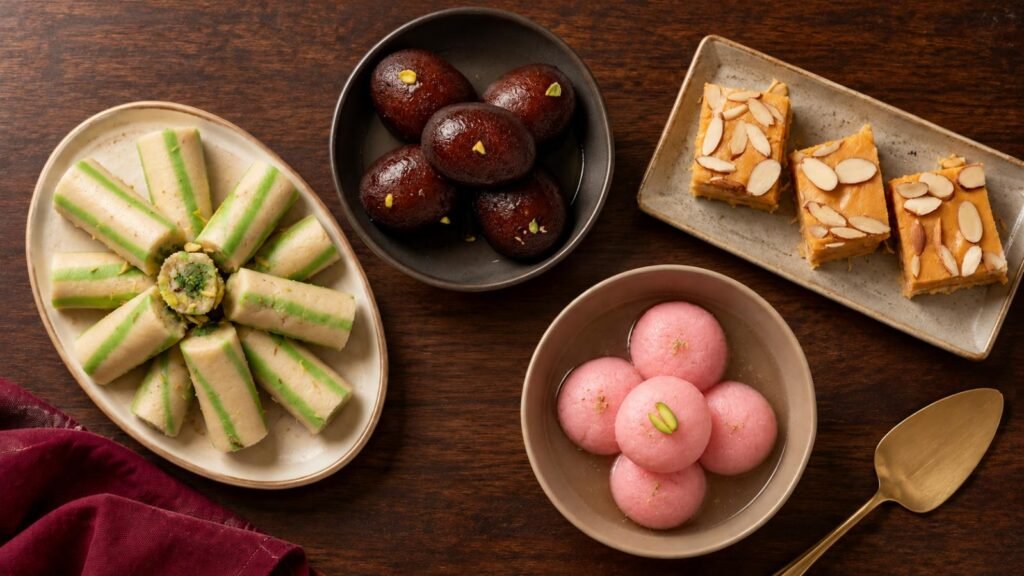
RIVAAJ’s wider collection gives you more to consider than a single familiar sweet. Depending on the available menu, your choices may include gulab jamun, black jamun, white or pink chum chum, motichoor ladoo, patisa, barfi and kalakand.
For a family order, begin with the favourites you know will be eaten. For several guests, consider a modest variety rather than several packs of nearly identical sweets. Read the assortment details before assuming that a mixed box contains particular items.
Packaging can change the decision. One shared serving tray, two household gifts and individually distributed boxes may require different arrangements even if the total mithai weight is similar.
Suppose you need a separate box for each of three recipients. Start by confirming three suitable packs or gift boxes. Dividing a single large pack yourself might be inconvenient, especially if you are sending the sweets directly.
Also tell the team if the order will be served later. Ask for handling and storage instructions appropriate to the selected products rather than assuming every type of mithai should be treated the same way.
Understand the Amount Payable and the Arrival Estimate
Compare the full basket, not just the first product price you see. A lower-priced option may contain less mithai, while a larger order can include more packs than you intended.
Before payment, review:
- The weight and price of each selected item.
- The number of packs in the basket.
- Delivery and any other displayed charges.
- Whether an offer has actually been applied.
- The final amount payable.
HungerStation shows delivery charges in the app. Free-delivery offers or membership benefits can have conditions, so check whether your specific order qualifies.
For a useful comparison between channels, look at the same product and weight, then compare the final totals. Different assortments or packaging make a price comparison less meaningful.
The arrival time also needs context. An estimate gives you a planning guide, rather than a guaranteed handover minute. For a gathering, allow some flexibility between the expected delivery and serving time.
If you must receive the sweets by a particular deadline, discuss that requirement before ordering. This matters more for an event than choosing whichever estimate appears shortest.
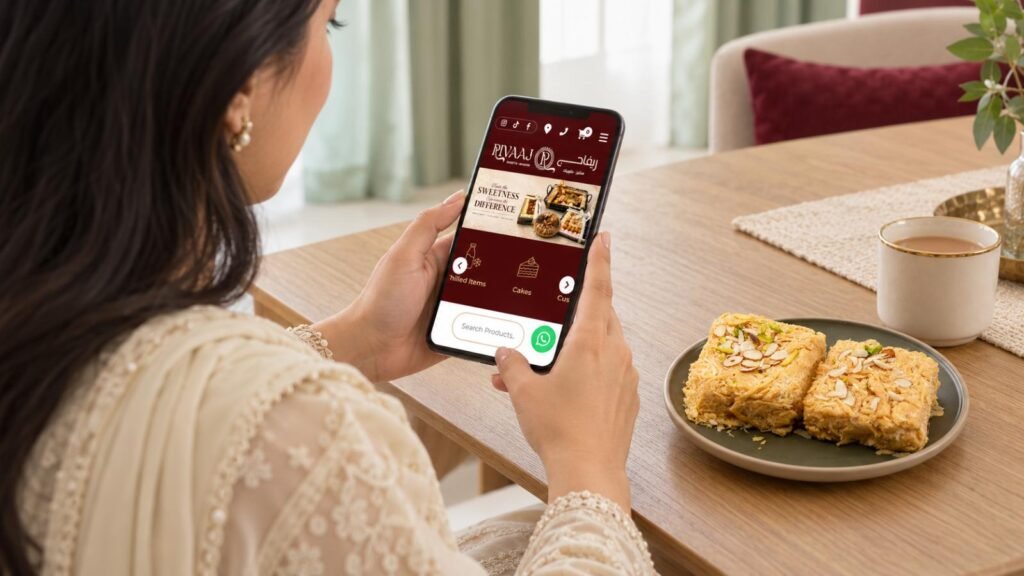
Arrange Custom Boxes or Bulk Mithai Through WhatsApp
RIVAAJ lists +966 54 777 7683 for gift boxes, bulk orders and events. Use this route when the standard app menu does not explain the arrangement you need.
A useful enquiry includes the date, receiving district, approximate quantity, preferred sweets, packaging requirements and budget. You do not need a perfectly finalised assortment to begin, but give the team enough information to suggest suitable options.
For example:
Hello, I need eight mithai gift boxes for a family gathering on Saturday in Riyadh. I would like a mixed assortment and can share the delivery location. Please let me know the available box sizes, packaging options, total cost and whether delivery or collection can be arranged.
This is an enquiry example, not a statement that eight boxes or a particular delivery date are automatically available.
Explain which parts of the request are flexible. You may be happy to change one sweet while needing the number of boxes and receiving date to remain fixed. Clear priorities make it easier to discuss alternatives.
Before treating the order as booked, confirm the agreed assortment, quantity, packaging, price and payment arrangements. Ask how much advance notice is needed for your particular request. Keep the confirmation conversation available, especially if several details have changed during the discussion.
Make Gift Deliveries Easy to Receive
For mithai gift box delivery in Riyadh, use the recipient’s address from the start. Your own current location is only relevant if that is where the sweets will be received.
Check that someone will be available during the expected delivery window. At a workplace, confirm whether the recipient or reception should accept the package. For a home delivery, make sure the building and apartment details are complete.
Where the ordering channel permits, provide the recipient’s contact number and remain reachable yourself. This helps if the driver needs directions or the account holder must respond to an order question.
If you want a message card, a particular box colour or separate bags, ask whether those details can be arranged. A product photo should not be treated as confirmation of every packaging feature.
For gifts going to different addresses, check each destination separately. Do not assume that one standard delivery order includes several stops.
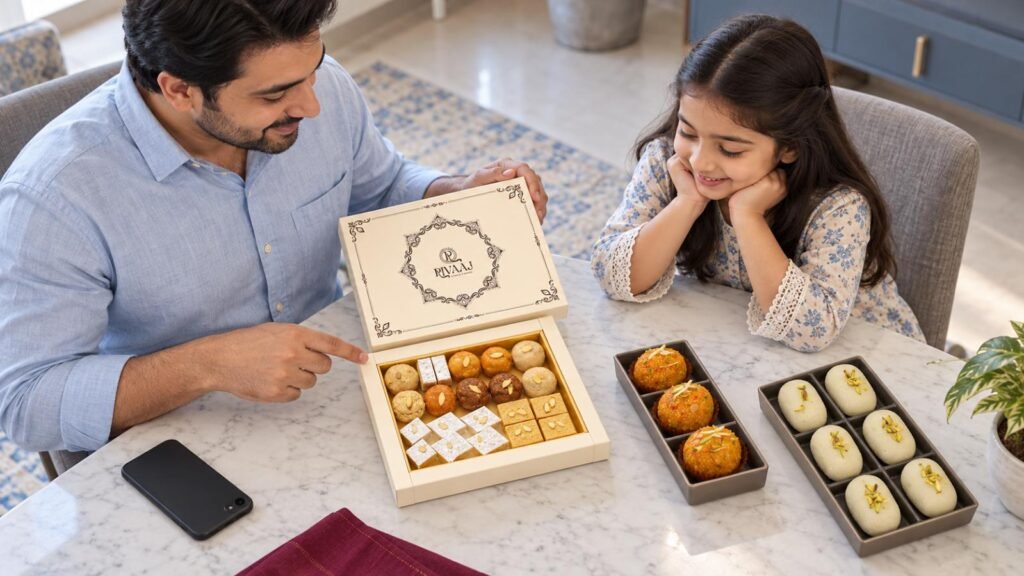
Handle Missing Items, Unavailable Listings and Order Updates
Some problems can be resolved before checkout. Others require help after the purchase.
| Situation | Practical next step |
| The shop does not appear | Check the destination and search spelling, then try the other listed channel |
| A preferred sweet is unavailable | Select an offered alternative or ask about a special order |
| Delivery is outside the service area | Discuss possible collection or another arrangement with the shop |
| Payment status is uncertain | Check for confirmation and contact support before ordering again |
| A received item is wrong or missing | Keep the order details and report the issue through the ordering channel |
After confirmation, follow the order updates provided by the app. HungerStation offers status and delivery tracking through its platform.
If there is a problem with the contents, describe it clearly. Mention the item ordered, what arrived and the order number. Keep photographs and packaging available if support needs them.
For an order arranged directly with the shop, refer to the agreed details in your conversation. Keeping the enquiry, confirmation and any changes together makes it easier to explain what needs resolving.
Frequently Asked Questions
You can browse RIVAAJ’s website to view its products. For an order, use the currently available options or contact the team if the process is unclear. Keeta and HungerStation are listed delivery channels. Viewing a product page alone does not confirm its stock, delivery coverage or payment arrangements.
Check the current merchant status and arrival estimate for your receiving address. Availability can differ by location and ordering time. If the sweets are needed for an event, confirm the practical arrangements early, particularly when the order includes custom packaging, several gift boxes or a larger quantity.
Check whether the listed assortment has fixed contents or allows choices. If you want a particular combination, ask the shop before paying. Share acceptable alternatives as well as your favourites, and confirm the final mixture so that the agreed order matches what you expect to receive.
Ask the team about lead time once you know the date, quantity and packaging requirements. There is no single notice period that should be assumed for every order. A few standard packs and a large set of individually prepared gifts may need different arrangements, especially for a fixed receiving time.
Check whether your chosen channel offers scheduling for the selected merchant and destination. If it does, review the options before payment. Otherwise, contact RIVAAJ to discuss your required date. Writing a preferred time in an order note does not by itself confirm a scheduled delivery arrangement.
Choose from the payment options displayed for your current order. Check that the total and destination are correct before proceeding. For a directly arranged special order, ask the team to confirm payment instructions and when the booking becomes confirmed, rather than assuming the app’s payment process also applies.
Plan the Order Around the Receiving Details
For Pakistani sweets delivery Riyadh, begin with the correct destination and an available ordering channel. Then match the sweets, pack sizes and packaging to the people receiving them.
Use Keeta or HungerStation for an order from the current menu. For a customised gift or larger occasion, discuss the details with RIVAAJ and obtain confirmation before treating the arrangement as booked.